Gaston
From paper menus to automated orders from the table.
How I’ve built a Restaurant Ordering App that Saves waiters over 100 trips/day
The Problem
Back home in Romania, I’ve noticed that a lot of restaurants menus are behind a QR Code. I expected to be able to see the menu and order what I needed. But this wasn’t the case.
The QR code was just sending me to a Landing Page or to a PDF. With no other functionality.
The Vision: What If...
As a frequent restaurant customer, I wanted to do so much more with my effort of scanning the QR code.
What if…
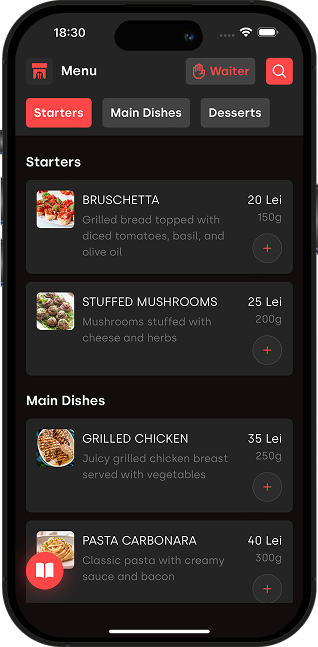
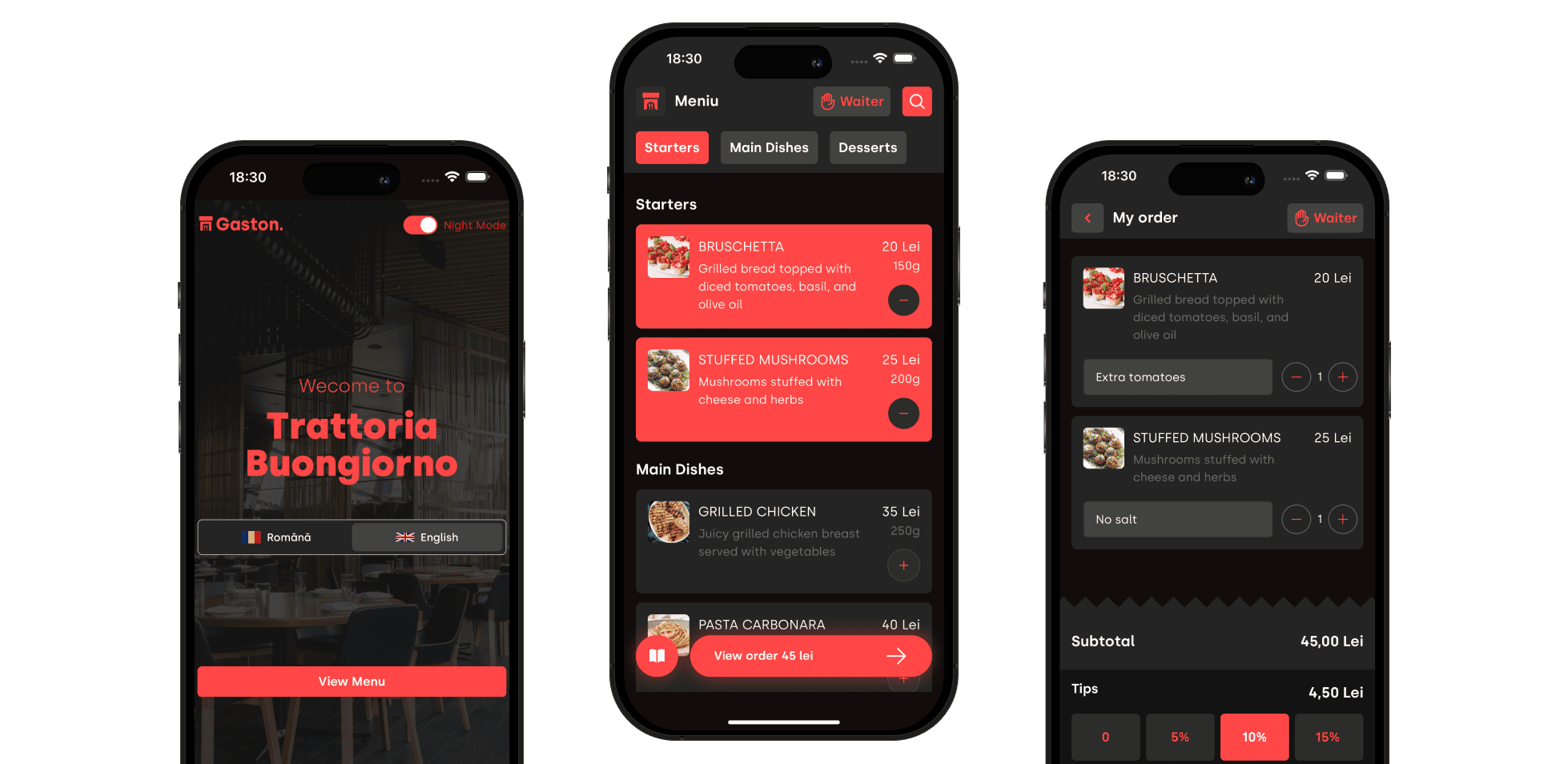
- …I could add food an drinks to make an order?
- …People at the table could add their items too?
- …We could add comments (i.e. “no salt”)?
- …A waiter would get a notification everytime a customer needs help?
- …We could pay right from the app?
It would save us time and each waiter at least of 3 trips:
- Menu bringing trip
- Collect the order trip
- Bringing the Bill trip
“At every 100 orders, it would save waiters at least 300 trips!”
Building the Solution: From Idea to Reality
Technical Challenges
The project has several must-haves:
- Scan & Order: No account & No App to Download
- Staff side-app with notifications
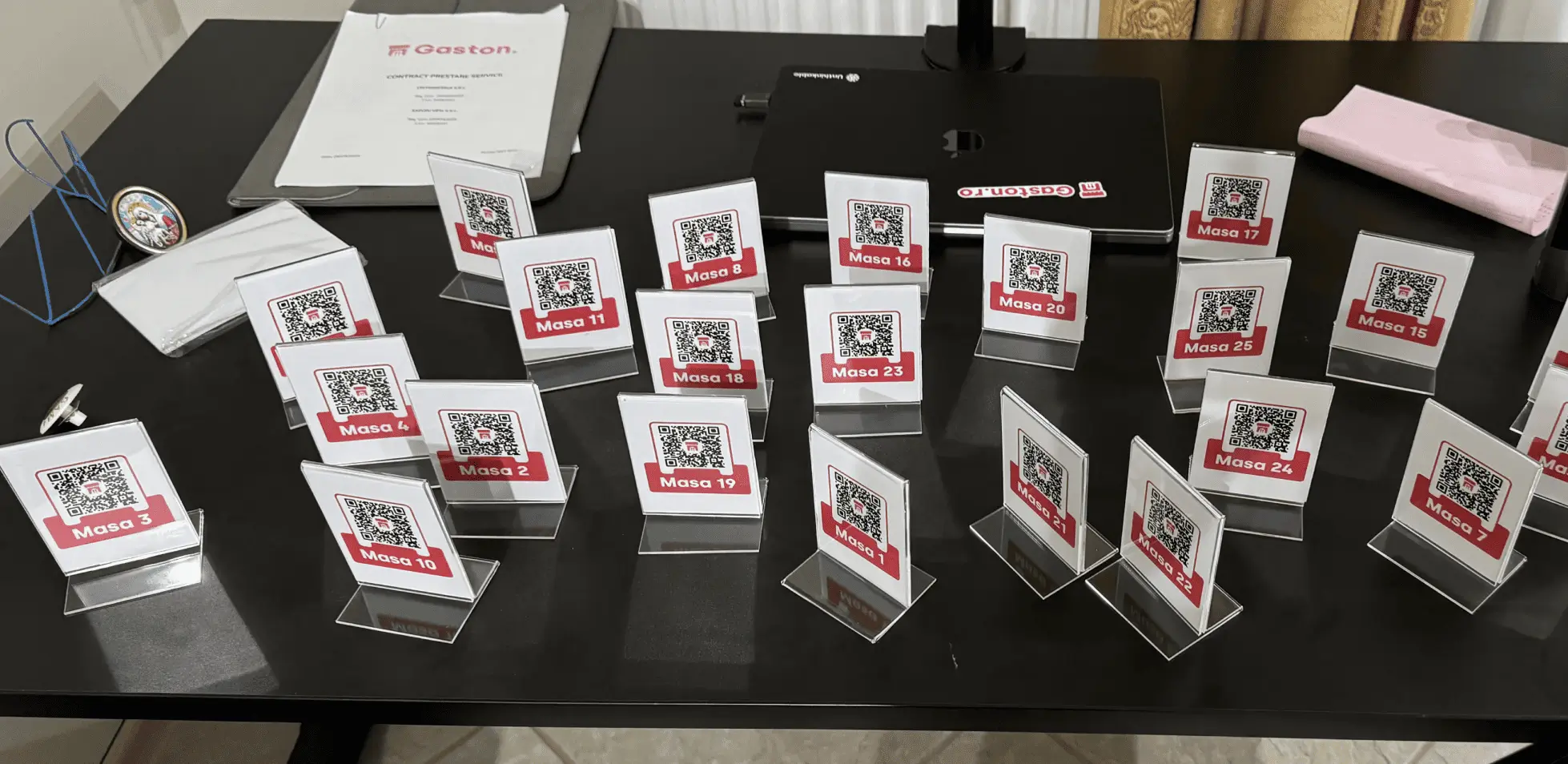
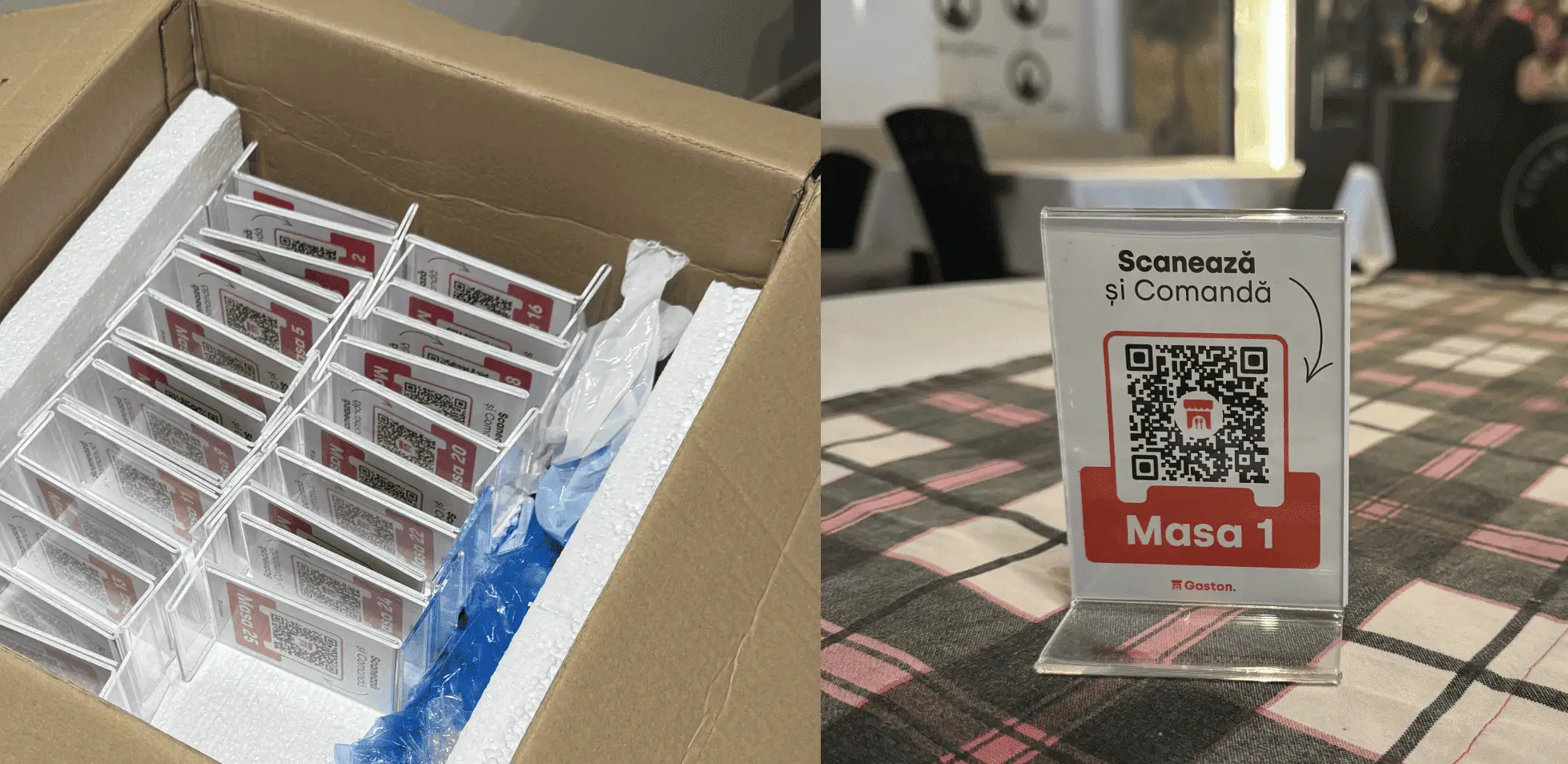
- Easy restaurant onboarding, finances, dashboard and QR Codes ordering
- Multi-language menus
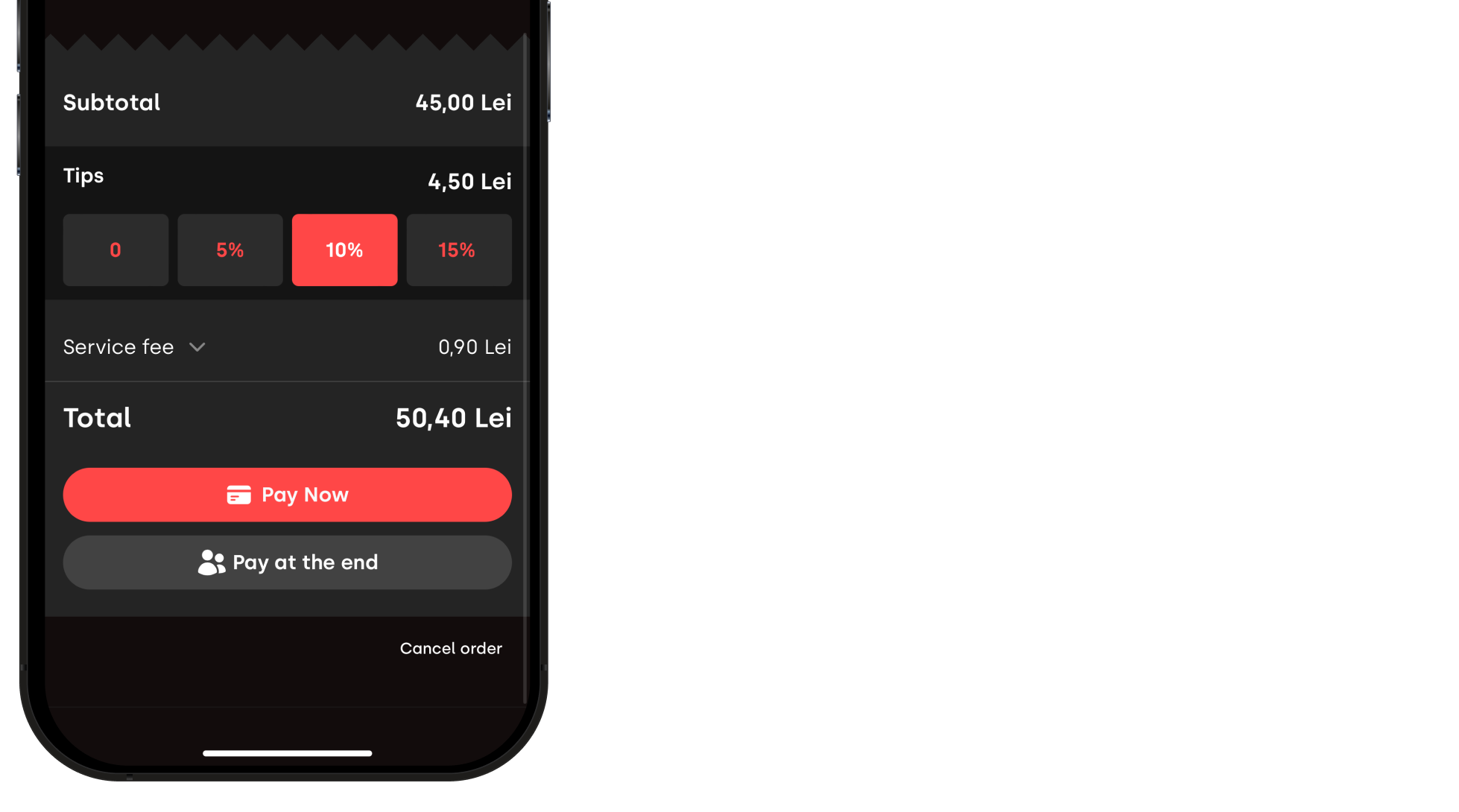
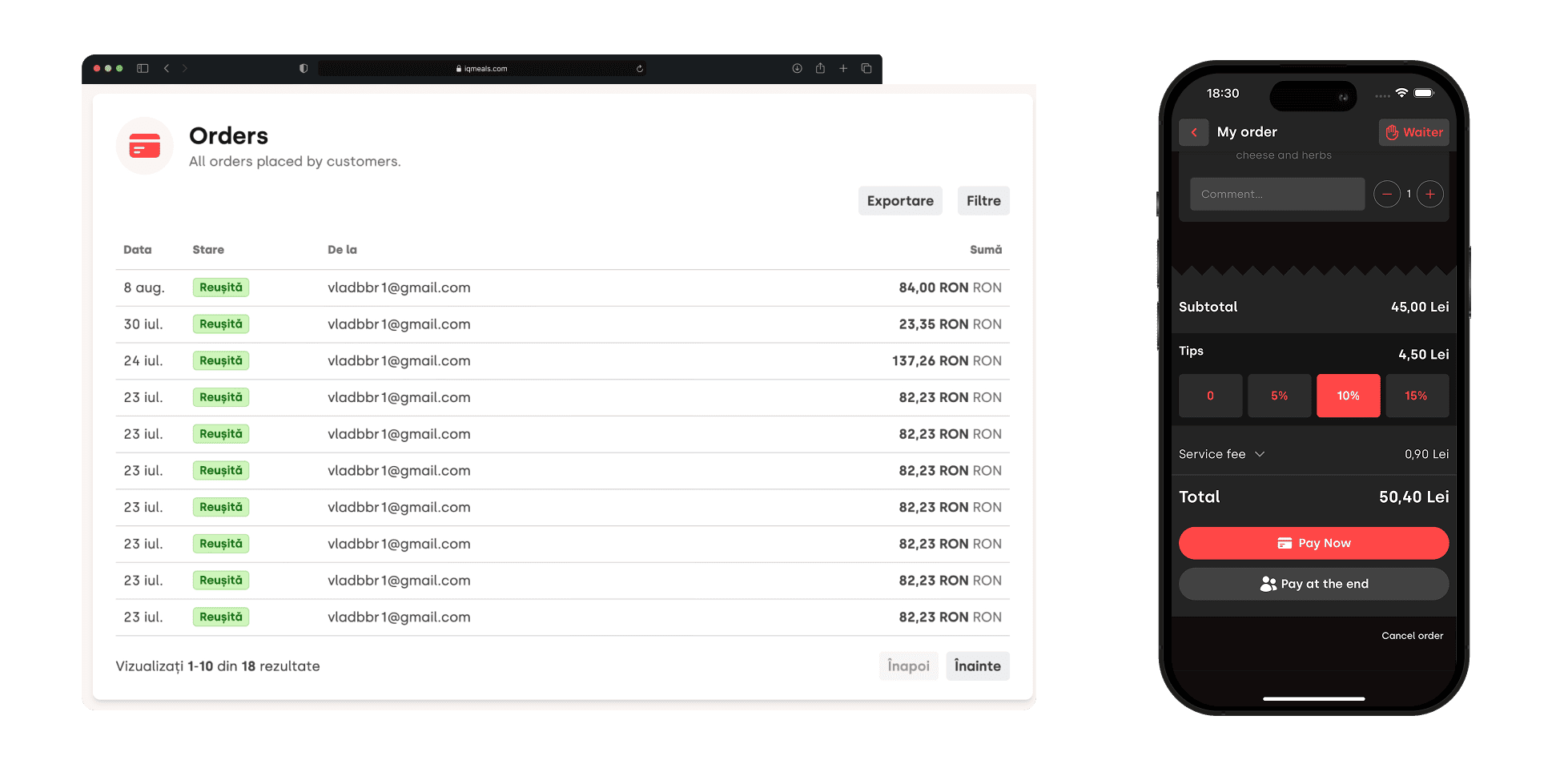
- Tips functionality when ordering
The plan
We’ve decided on building 2 Web Apps:
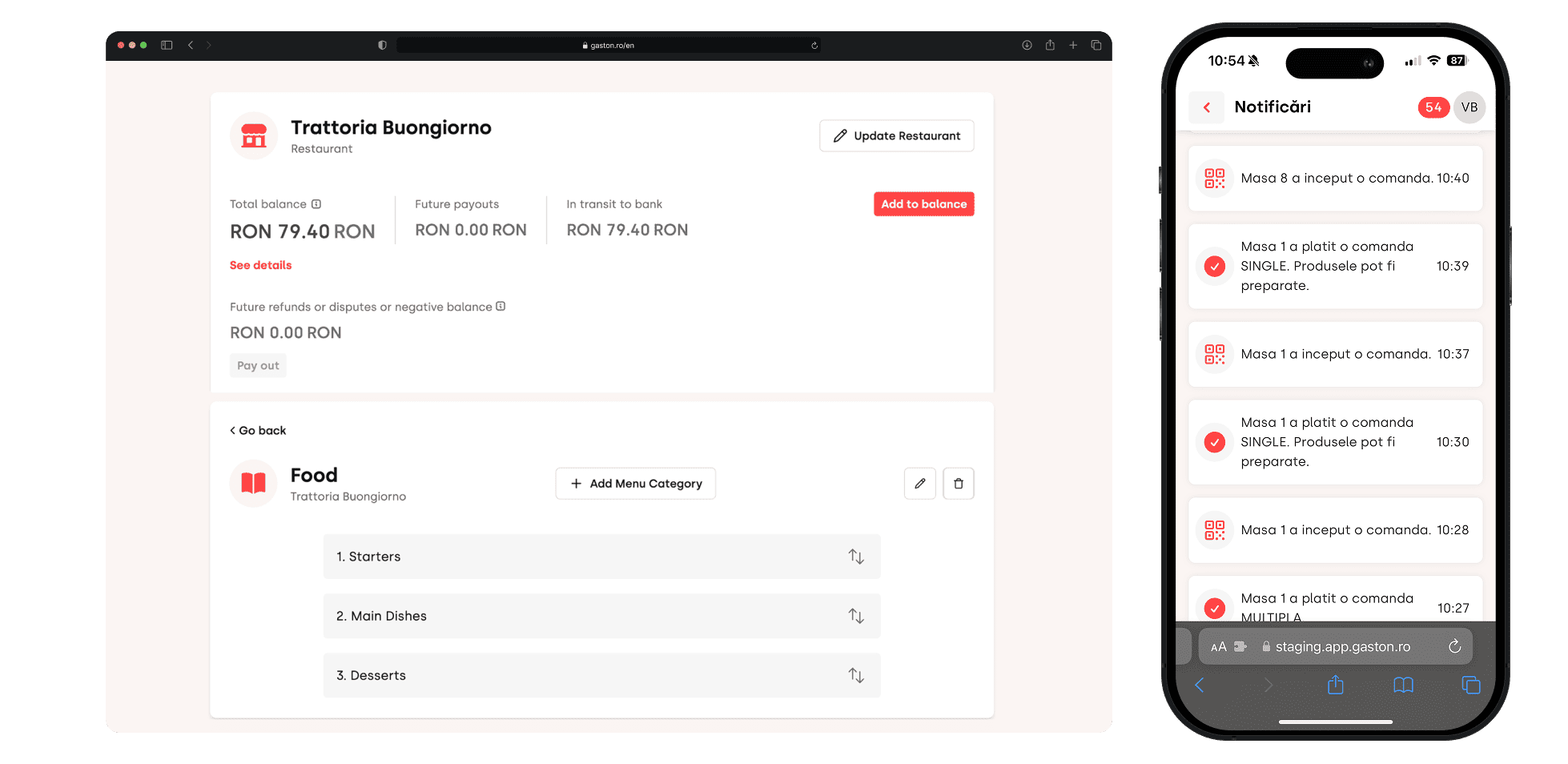
- Restaurant Admin Dashbaord - accessible via Desktop
- Customer & Staff Web App - accessible via QR Scan
Biggest challenge
The payment system is the most complext aspect of the project.
We wanted to charge restaurants based on usage and not based on a fixed monthly fee.
In order to automate the billing process, we’ve built a Marketplace of Restaurants. Our business holds other businesses who get paid, and we get a % cut - similar with the Amazon model.
2 way payment for customers
We gave users the options to “Pay Now” or “Pay at the End”
- “Pay now” would mean a seperate order from the others
- “Pay at the End” means you add items to the Table Order based on a security code
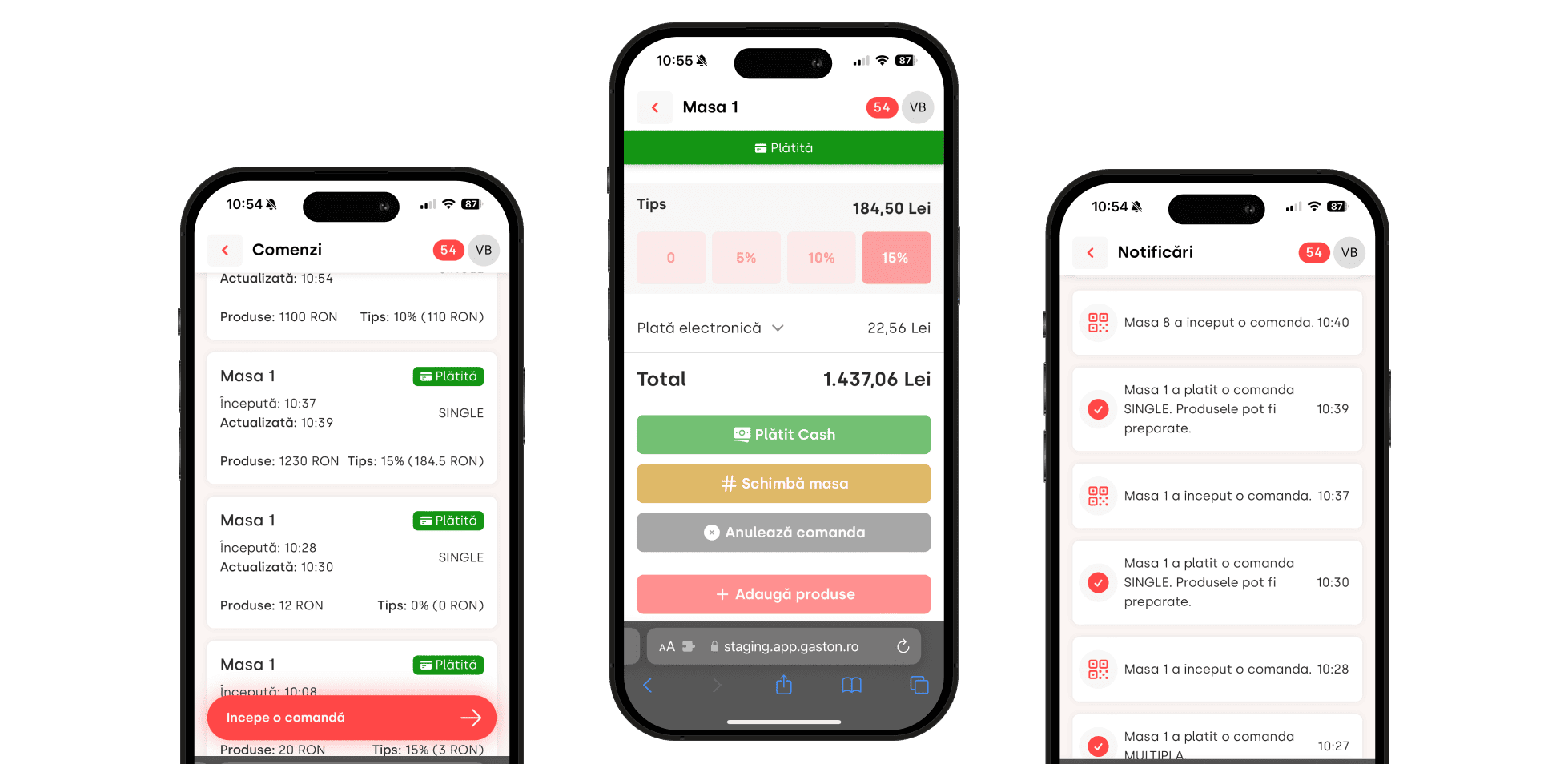
The Staff App
This is embeded in the customer app, but with added functionality, that customers don’t have access to:
- Authentication
- Orders Status
- Notifications
The Results
All in one time-saver for restaurants, customers and waiters
Takeaway lessons:
- If you think something should be different, just ask: “What would it take for me to make this a reality?”
- If you start your journey, don’t settle until every customer need is satified. The product should not be good. It should be great!